
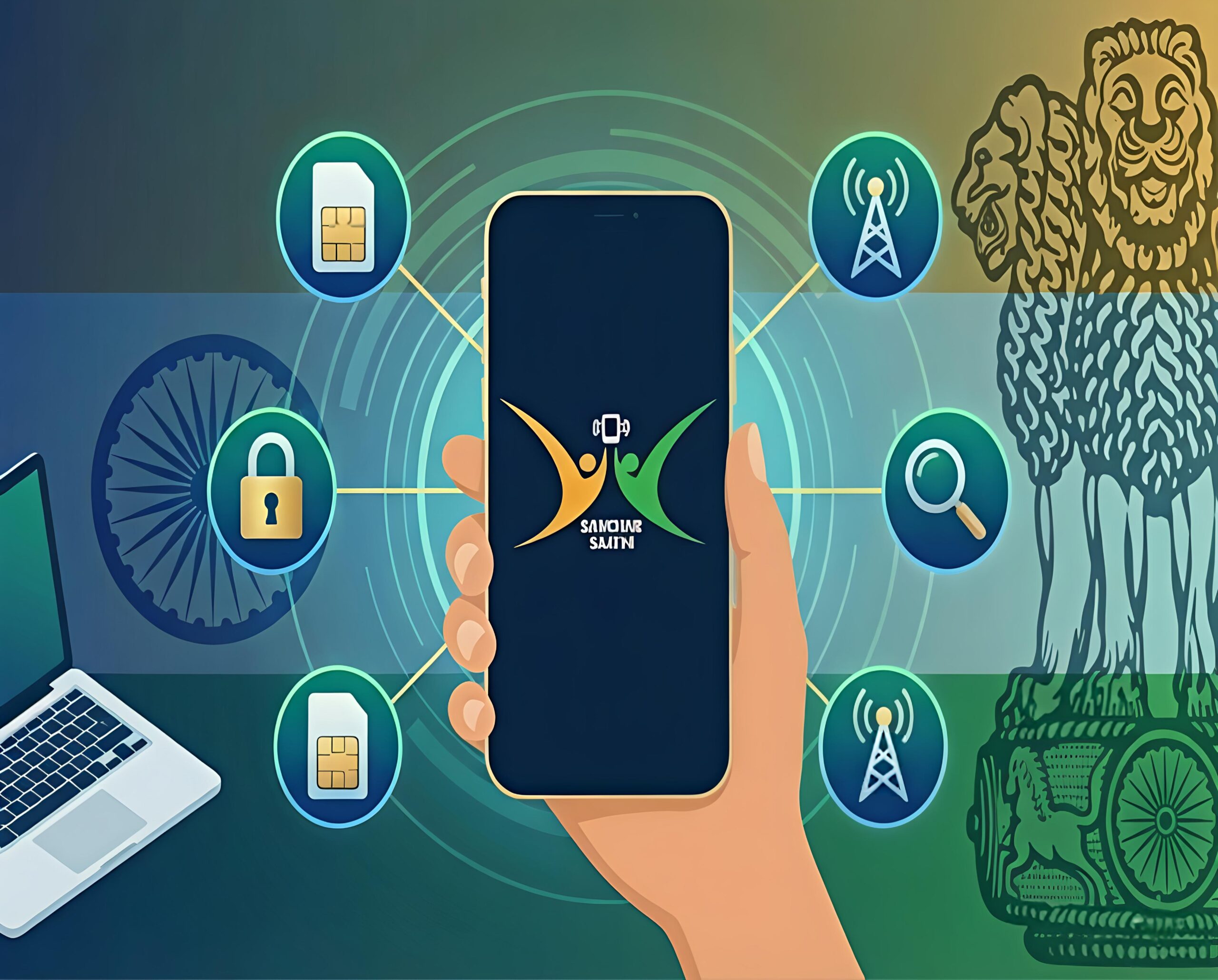
Sanchaar Saathi App Review (2025): Complete Guide to Features, Benefits, Safety & How It Works
Telecom fraud, SIM misuse and device theft cases in India are increasing every year. To solve this, the Department of Telecommunications (DoT) launched the Sanchaar Saathi App, a security platform that allows users to check SIM cards linked to their ID, block stolen phones, report suspicious numbers and protect digital identity from fraud.
This article will help you understand how the app works, features, myths vs reality, benefits, safety concerns, usage steps and FAQs.
Optimized for SEO & user readability.
What is the Sanchaar Saathi App? – A Quick Overview
Sanchaar Saathi is an official government telecom security tool designed to help citizens monitor SIM ownership, prevent unauthorized SIM activation and block lost phones using IMEI.
The app helps you to:
- Track active mobile numbers registered with your documents
- Report SIM cards that don’t belong to you
- Block a stolen/lost device instantly
- Unblock phone after recovery via CEIR
- Reduce SIM-related cyber fraud risks
Core Modules Under the Platform:
| Tool | Role |
|---|---|
| TAFCOP | Shows number of SIMs linked to your ID |
| CEIR | Lets you block and unblock IMEI for stolen devices |
If you are concerned about mobile fraud, don’t miss our detailed guide:
How to Protect Your Phone From Online Scams – Full Step-by-Step Guide
Key Features of the Sanchaar Saathi App (Explained for Users)
| Feature | What It Does | Benefit |
|---|---|---|
| SIM Status Check | Shows all numbers linked to your identity | Helps detect unauthorized SIM usage |
| Device IMEI Block | Blocks lost/stolen phones from all networks | Stops fraud & prevents misuse |
| Fraud SIM Reporting | Report unknown or suspicious numbers | Helps curb telecom identity theft |
| Device Unlock | Lets you unblock IMEI after recovery | Restore network access easily |
This platform is built for security, verification & user control — not surveillance.
Top Benefits of Using Sanchaar Saathi
- Reduces risk of identity misuse through SIM verification
- Helps block smartphones instantly if stolen
- Prevents SIM cloning and fraudulent SIM activation
- Makes mobile identity transparent and manageable
- Highly recommended for digital security awareness
Official Website: https://sancharsaathi.gov.in
Rumours vs Reality – Myths Busted with Facts
There are misconceptions shared online about the app, but here is the truth:
| Rumour | Reality |
|---|---|
| Government tracks phone calls | App does not track calls, chats or files |
| Reads WhatsApp conversations | No access to personal messaging platforms |
| SIM is auto-blocked | Only blocked if you request it |
| Steals personal data | Collects only minimum verification details |
| Tracks live location | CEIR blocks IMEI, not location tracking |
The application is privacy-focused and user-controlled.
How to Use Sanchaar Saathi App – Step-by-Step Guide
- Download app from Google Play Store or App Store
- Enter mobile number and verify using OTP
- View SIM numbers registered with your ID
- Report unknown/suspicious mobile connections
- To block stolen phone → use IMEI through CEIR
- Re-activate when phone is recovered
- Log out after completing your checks
All data is processed securely using encryption.
Why Should You Use It? Final Review & Verdict
The Sanchaar Saathi App is a must-have tool for every smartphone user in India who wants to stay protected from SIM fraud, identity theft, and telecom scams.
The app increases transparency, improves security control, and safeguards device ownership.
Final Conclusion:
- Best for mobile security in 2025
- Helps manage SIM connections easily
- Legitimate Government platform
- Useful during phone theft or fraud cases
FAQs – Sanchaar Saathi
1. Is the Sanchaar Saathi app safe to use?
Yes, it is 100% safe and officially launched by the Government of India.
2. Can it access WhatsApp or call logs?
No, it only lists SIM/IMEI details — nothing personal is tracked.
3. How to block a stolen mobile using the app?
Open CEIR section → enter IMEI → submit blocking request.
4. Will SIM be blocked automatically?
No action is automatic without user permission.
5. Can I check how many SIM cards are linked to my Aadhaar?
Yes, the TAFCOP dashboard shows it instantly.
Disclaimer: This blog is not related to the Government of India. Information is for general awareness only — please verify from official sources.
Leave a Reply