
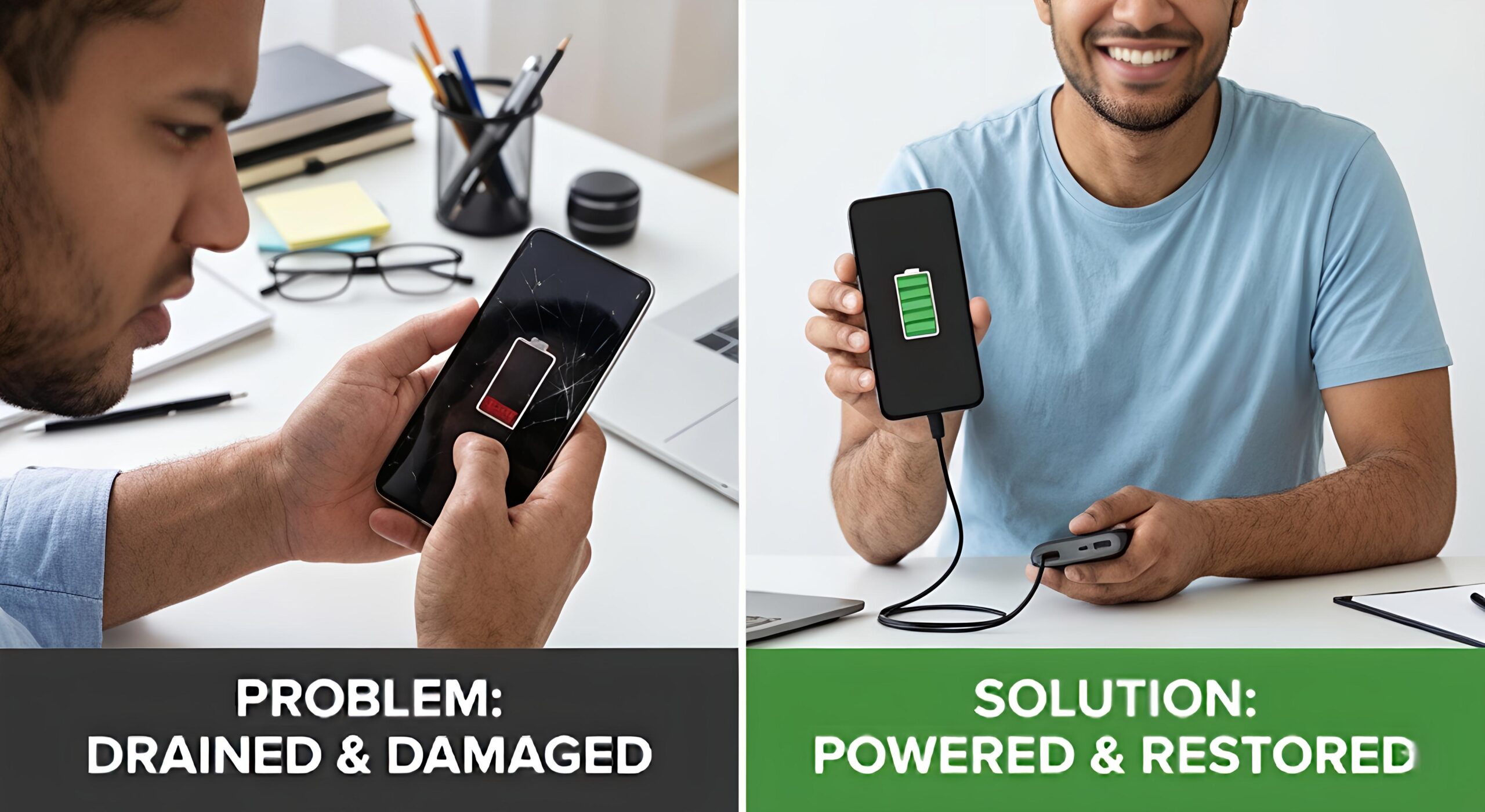
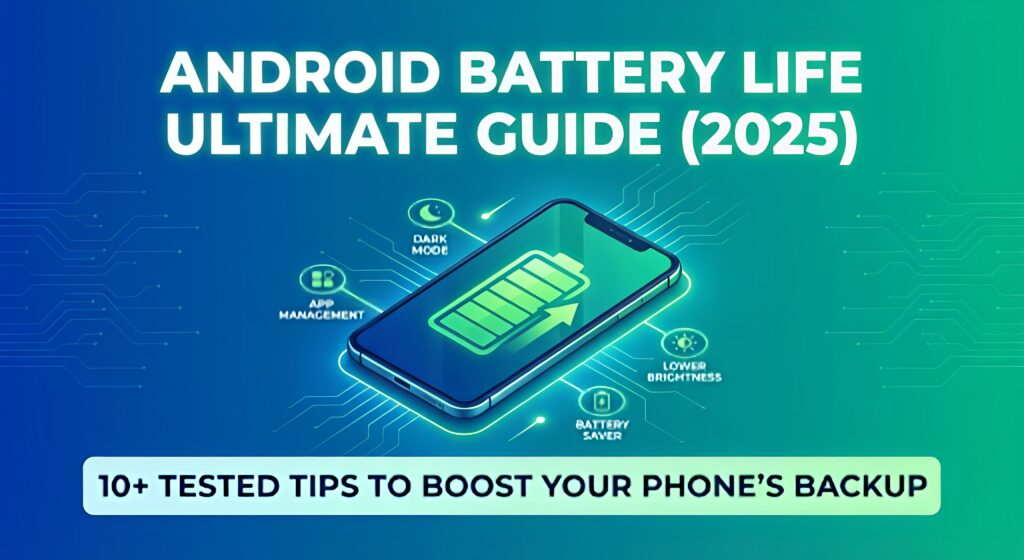
Is your phone battery draining too fast? 🔋
Don’t worry — this step-by-step guide will help you improve Android battery backup, reduce overheating, and make your battery last longer every day.
In this article, you will learn:
✔ Why phone battery drains quickly
✔ Best battery saving settings for Android
✔ How to stop apps from heating & draining battery
✔ Bonus gaming battery optimization tips
🧠 Why Battery Drains Fast?
The most common reasons behind fast battery drain are:
- Too many apps running in background
- High screen brightness
- Weak network signals
- Apps using GPS/location continuously
- Heavy apps like Facebook, Instagram, BGMI
- Old or damaged battery health
- Auto-sync & notifications always ON
🔟 Best Ways to Increase Android Battery Life (Tested Tips)
1️⃣ Enable Battery Saver Mode
Go to: Settings → Battery → Battery Saver → ON
This gives instant improvement in standby time.
2️⃣ Reduce Screen Brightness & Timeout
High brightness = More power consumption.
Keep Auto-brightness ON and set screen timeout to 30 seconds.
3️⃣ Turn Off Unused Connectivity
Disable when not needed:
- WiFi
- Bluetooth
- GPS/Location
- Hotspot
- NFC
📌 Pro Tip: Battery drains faster in poor network areas — enable Airplane Mode temporarily if signal is very low.
4️⃣ Restrict Background Apps
Go to: Settings → Apps → Battery → Restrict Background Activity
Do this especially for:
Facebook, Instagram, Snapchat, BGMI, WhatsApp, Chrome
5️⃣ Use Dark Mode (For AMOLED Phones)
Go to Settings → Display → Dark Mode
✔ Saves power on AMOLED screens (Samsung, OnePlus, Xiaomi, Oppo, Vivo).
6️⃣ Update Apps & System
Updates fix bugs and improve battery efficiency.
Settings → Software Update → Install Updates
7️⃣ Disable Auto-Sync
Go to Settings → Accounts → Auto Sync → OFF
Enable only when necessary.
8️⃣ Uninstall Battery Hungry Apps
Heavy apps = High CPU usage = Faster battery drain.
Replace them with Lite apps (Facebook Lite, Instagram Lite) if possible.
9️⃣ Monitor Battery Usage
Go to Settings → Battery Usage
Identify apps consuming battery in background → Force stop or uninstall.
🔟 Avoid Using Phone While Charging
Using phone during charge = Heating + Battery Damage
Let it charge calmly for healthy battery life.
🥇 Bonus Tips for Gamers
If you play BGMI / Free Fire / COD Mobile, try this:
✔ Close all background apps before gaming
✔ Use WiFi instead of mobile data
✔ Lower graphics & frame rate
✔ Avoid charging and gaming at the same time
🔍 Quick Fix Table
| Problem | Solution |
|---|---|
| Battery draining fast | Restrict background apps |
| Phone heating | Remove case while charging |
| Standby battery loss | Turn off mobile data at night |
| Apps draining battery | Update or uninstall them |
🏁 Final Results After Applying These Tips
By following these methods daily, you will get:
✔ Better battery backup
✔ Less heating issues
✔ Smooth performance
✔ Longer battery health life
📌 Recommended Resource
👉 You may also like: How to Speed Up Your Phone & Improve Performance
👉 Further Reference: Check Googles official Android battery optimization guide
❓ FAQs – Improve Phone Battery Life
Q1. How can I increase battery life instantly?
Turn on Battery Saver + Reduce brightness + Close background apps.
Q2. Does Dark Mode save battery?
Yes, especially on AMOLED screens it reduces power usage.
Q3. Is charging to 100% harmful?
Yes. Keep battery between 20%–80% for long-term health.
Q4. How to stop battery drain while gaming?
Use WiFi, close background apps, reduce graphics.
Q5. Does fast charging reduce battery life?
Fast charging increases heat. Occasional use is fine, but avoid daily if possible.
Leave a Reply