
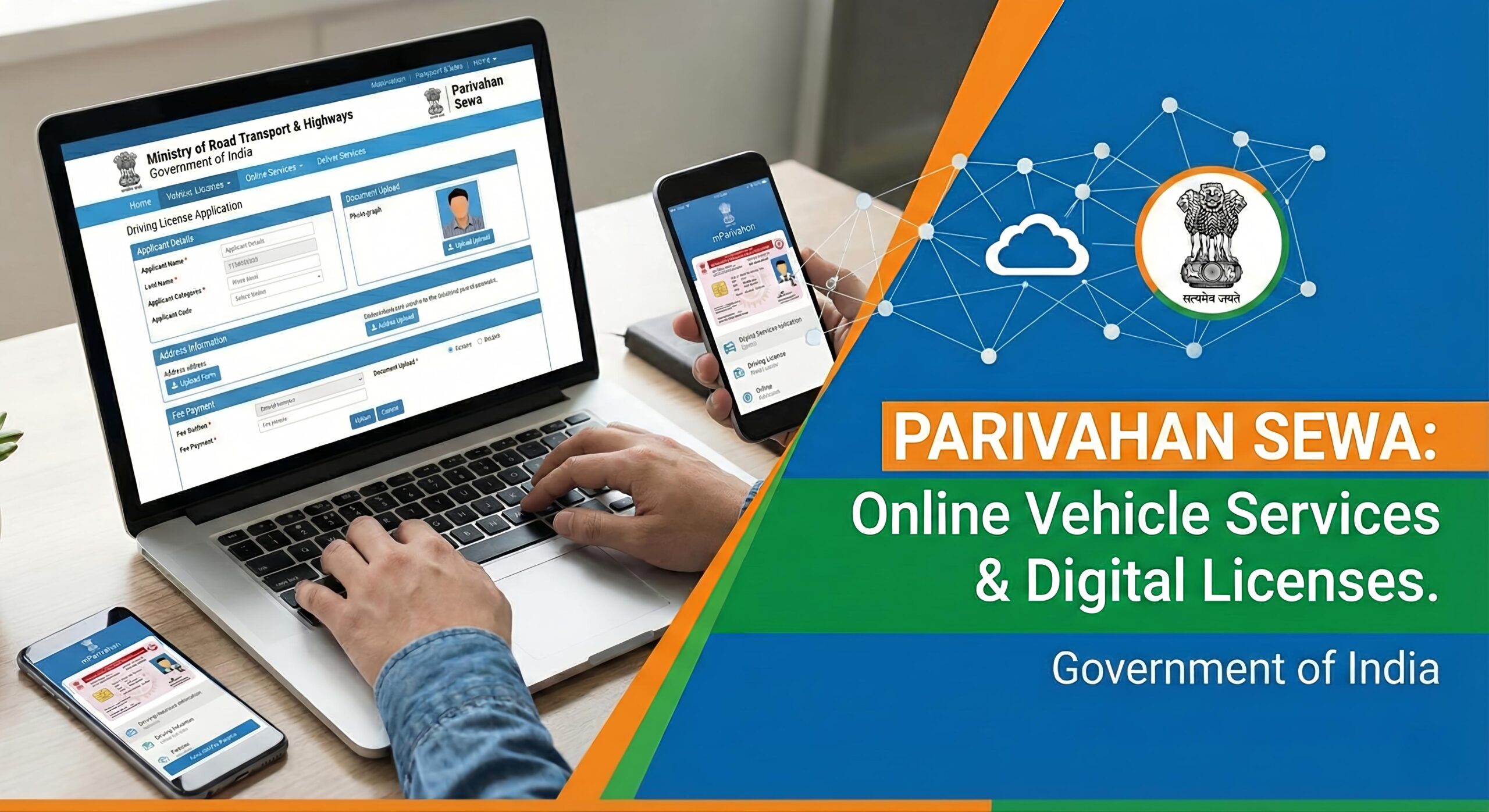
Getting a Driving Licence in India has become extremely simple, and the entire process can now be started online without standing in long queues at the RTO. Using the official Sarathi Parivahan Portal, you can apply for a Learner Licence, Permanent Driving Licence, Renewal, Duplicate DL, Address Update and more — right from your mobile or laptop.
The best part? Applying for a Driving Licence online takes only 5–10 minutes if your documents are ready.
In this guide, you will learn the complete online application process, required documents, eligibility, fees, benefits, myths vs reality, step-by-step procedure and FAQs.
What is the Sarathi Parivahan Portal?
The Sarathi Parivahan Portal, launched by the Ministry of Road Transport & Highways (MoRTH), is an official government service that provides all driving licence-related facilities online. It reduces paperwork, saves time, and allows citizens to complete most of the process from home.
With this portal, users can:
- Apply for a Learner Licence (LL) & Driving Licence (DL)
- Schedule Driving Test Appointment
- Renew an expired DL online
- Apply for Duplicate Licence (lost/damaged)
- Add new vehicle category (MCWG/LMV etc.)
- Download Digital Licence on phone (DigiLocker/mParivahan)
Documents Required for Driving Licence Online
Keep the following documents ready before applying:
| Requirement | Accepted Proof |
|---|---|
| Address Proof | Aadhaar / Passport / Voter ID / Utility Bill |
| Age Proof | Aadhaar / PAN / Birth Certificate / 10th Report Card |
| Photograph | Passport Size Photo |
| Signature | Digital/Scanned Signature |
| Medical Certificate (Form 1A) | Mandatory for age 50+ |
How to Apply for Driving Licence Online (LL/DL) – Complete Steps
Step 1: Open the Sarathi Parivahan Website
(Search “Sarathi Parivahan DL Apply” on Google)
Step 2: Select Your State
Step 3: Click on “Apply for Learner Licence”
Step 4: Fill Basic Details
Name, address, date of birth, vehicle type etc.
Step 5: Upload Required Documents Online
(Age proof, ID proof, photo & signature)
Step 6: Pay the Application Fee Online
UPI / Card / Net Banking available
Step 7: Take the Online Learner Test
Answer simple traffic rule questions.
Step 8: Download Learner Licence (Instant Issue)
After 30 days, apply for a Driving Test Slot at RTO to get the permanent DL.
Key Features & Benefits of Online Driving Licence
| Feature | Benefit |
|---|---|
| Apply from home | No long RTO lines |
| Upload documents online | Fast & paperless process |
| Online learner test | No need to visit RTO in many states |
| Track DL status online | Know exact progress |
| Digital DL available | Store licence easily in DigiLocker |
Applying online saves time, reduces paperwork and makes the process smooth for everyone.
Myths vs Reality – Online DL Process Explained
| Myth | Reality |
|---|---|
| You must visit RTO for everything | Only for final driving test (DL stage) |
| Online licence isn’t valid | Digital licence is legally valid across India |
| Very difficult to apply | Takes only few minutes if documents ready |
| Test cannot be booked online | Test appointment can be scheduled digitally |
Driving Licence Fees in India (Approx)
| Service | Fee Range |
|---|---|
| Learner Licence | ₹150 – ₹300 |
| Permanent DL | ₹700 – ₹1200 (State-wise variation) |
| Renewal | ₹200 – ₹450 |
| Duplicate DL | ₹150 – ₹300 |
(Charges may vary based on state rules.)
Final Verdict — Should You Apply Online?
If you want a driving licence without the hassle of repeated RTO visits, the online method is the best and fastest way. From filling forms to uploading documents and paying fees — everything is digital. You only need to visit RTO for the final test.
Conclusion
✔ Apply in 5–10 minutes
✔ Safe, secure & government authorized
✔ Perfect for beginners & first-time applicants
✔ Saves time, effort & paperwork
FAQs – Online Driving Licence in India
1. Can I apply for a driving licence completely online?
You can apply and take LL online. For permanent DL, a driving test at RTO is mandatory.
2. How long is learner licence valid?
LL validity is 6 months. You can apply for DL after 30 days.
3. Is digital driving licence valid?
Yes. DigiLocker and mParivahan DL are accepted everywhere.
4. Can I reschedule the driving test?
Yes, you can book a new date if slots are available.
5. Minimum age for licence?
- 16 years for gearless <50cc
- 18+ for bikes & cars
🔗 Official Portal Link (for user trust & SEO authority)

Disclaimer:
This article is for educational use. Verify latest details from the official government website.
Leave a Reply