
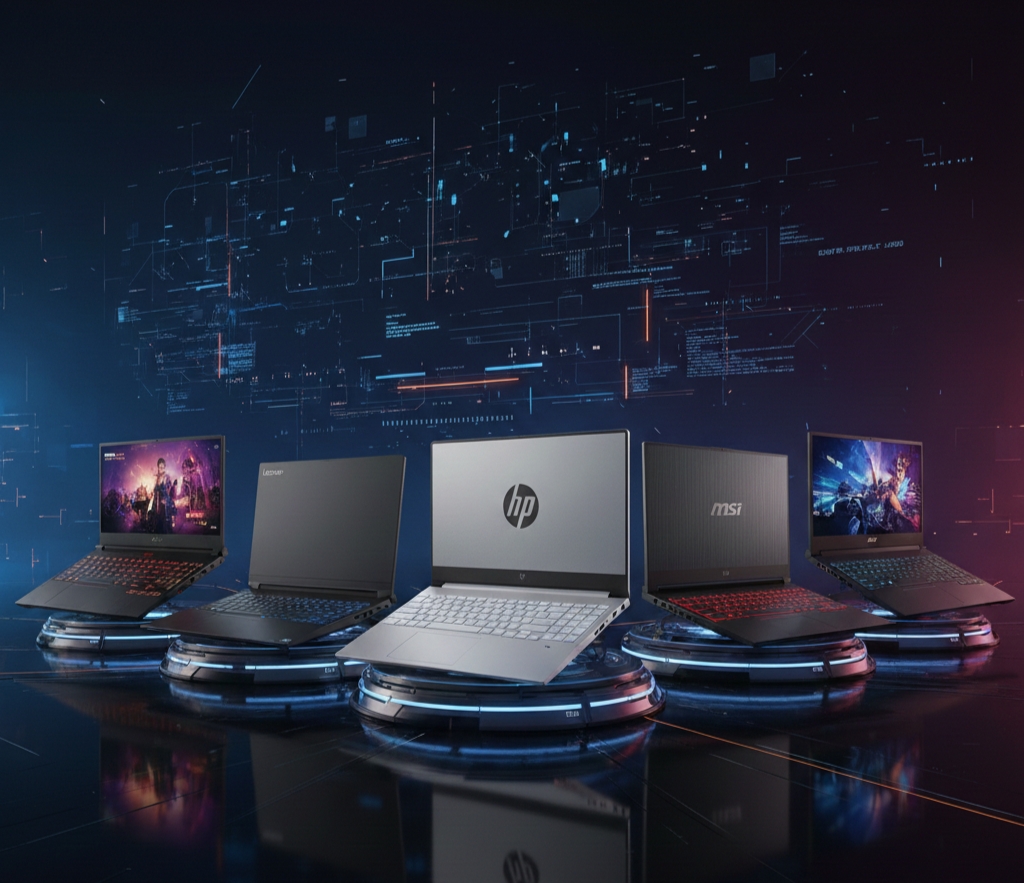
Gaming laptops under ₹1 lakh deliver high-performance specs for smooth gameplay in titles like Cyberpunk 2077 and Valorant without exceeding budgets. These machines feature dedicated NVIDIA RTX GPUs, fast processors, and high-refresh-rate displays ideal for Indian gamers seeking value. Expanded details highlight why they dominate 2026’s budget segment.
Why Choose Budget Gaming Laptops?
Budget gaming laptops in 2026 balance power, portability, and affordability, powered by RTX 40-series GPUs for ray tracing and DLSS support. They handle 1080p gaming at 60+ FPS in most AAA games, with upgradeable RAM and storage for longevity. Advanced cooling prevents throttling during long sessions, making them suitable for esports, streaming, and content creation.
Key factors include:
- GPU Priority: RTX 4050 or 4060 for future-proofing.
- Display Quality: 144Hz+ for fluid visuals.
- Build Durability: MIL-STD tested chassis for daily use.
Prices fluctuate on Flipkart and Amazon, often dipping below ₹90,000 during sales.
1. ASUS TUF Gaming F15
ASUS TUF Gaming F15 leads with military-grade durability and RTX 4060 graphics for stable 100+ FPS in competitive shooters. Its 15.6-inch FHD 144Hz IPS panel ensures vibrant colors and minimal motion blur.
Equipped with Intel Core i7-13650HX, 16GB DDR5 RAM, and 1TB SSD, multitasking feels effortless. Comprehensive cooling with dual Arc Flow fans keeps temperatures under 85°C during extended play. Priced at ₹99,990, it offers expandability up to 32GB RAM.
Pros:
- Exceptional build quality.
- MUX switch for direct GPU mode.
- RGB keyboard with per-key lighting.
Ideal for gamers prioritizing reliability over flashiness.
Want to upgrade your smartphone?
This Top 5 Mobile Phones roundup breaks down the best options across performance, camera, and value for money ➝ https://techhubb.blog/top_5_mobile_phones/
2. Lenovo LOQ 15
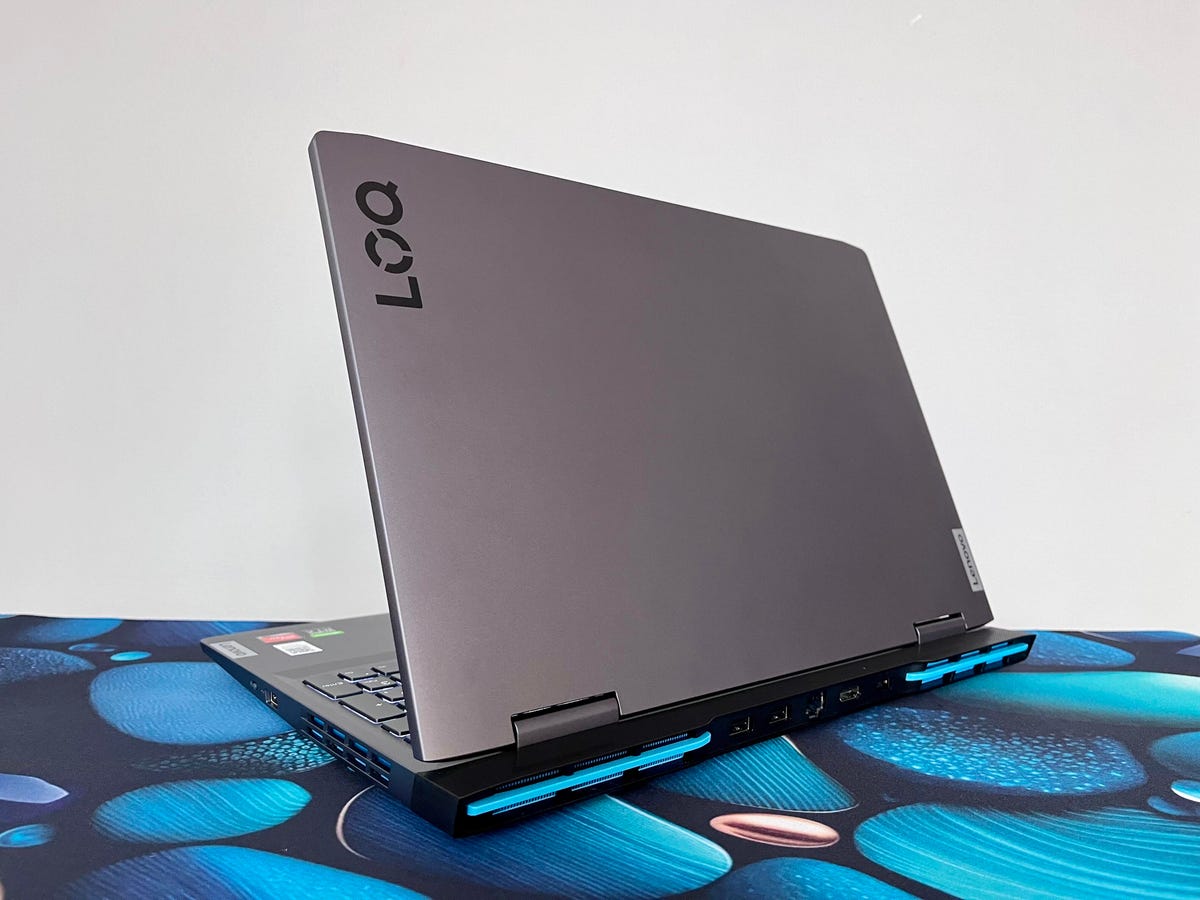
Lenovo LOQ 15 excels in raw performance with AMD Ryzen 7 7435HS and RTX 4060 8GB, delivering 90+ FPS in demanding titles like Alan Wake 2. The 15.6-inch 144Hz FHD display covers 100% sRGB for accurate visuals in editing workflows.
24GB DDR5 RAM and 512GB SSD handle heavy multitasking, with easy upgrades via extra slots. HyperChamber thermal design maintains boost clocks, and Nahimic audio enhances immersion. At ₹95,000, it provides premium features at entry-level cost.
Pros:
- AI-optimized tuning via Lenovo Vantage.
- Rapid Charge boosts to 80% in an hour.
- Sturdy aluminum lid.
Perfect for hybrid gamers and creators.
3. HP Victus 16

HP Victus 16 combines style and power with Intel Core i7-13620H and RTX 4050, achieving 70-90 FPS in modern games at high settings. The 16.1-inch FHD 144Hz screen with micro-edge bezels offers expansive views.
16GB RAM and 512GB SSD ensure quick loads, supported by OMEN Tempest Cooling for sustained performance. Bang & Olufsen speakers deliver rich sound, and the backlit keyboard aids low-light sessions. Priced around ₹92,000, it’s lightweight at 2.3kg.
Pros:
- Customizable RGB zones.
- Wide I/O ports including USB-C charging.
- One-month Xbox Game Pass included.
Great for portable gaming setups.
4. MSI Thin GF63
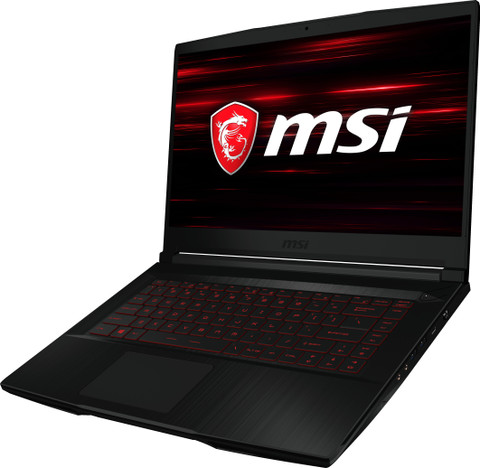
MSI Thin GF63 offers slim design with Intel Core i7-13620H and RTX 3050 6GB, suitable for 60+ FPS in esports and lighter AAA games. Its 15.6-inch 144Hz FHD panel provides smooth visuals in fast-paced action.
Up to 16GB DDR4 RAM and 512GB SSD support casual streaming, with Cooler Boost 5 for efficient heat dissipation. Weighing 1.86kg, portability shines for students. Available at ₹85,000, it includes SteelSeries keyboard.
Pros:
- Ultra-thin 21.7mm profile.
- Long battery life for non-gaming tasks.
- Multiple USB ports.
Best for entry-level gamers on the move.
Need great sound on the go?
This Top TWS Earbuds guide highlights the best true wireless earphones available now, comparing sound quality, battery life, comfort, and value for money
5. Acer Nitro V 16
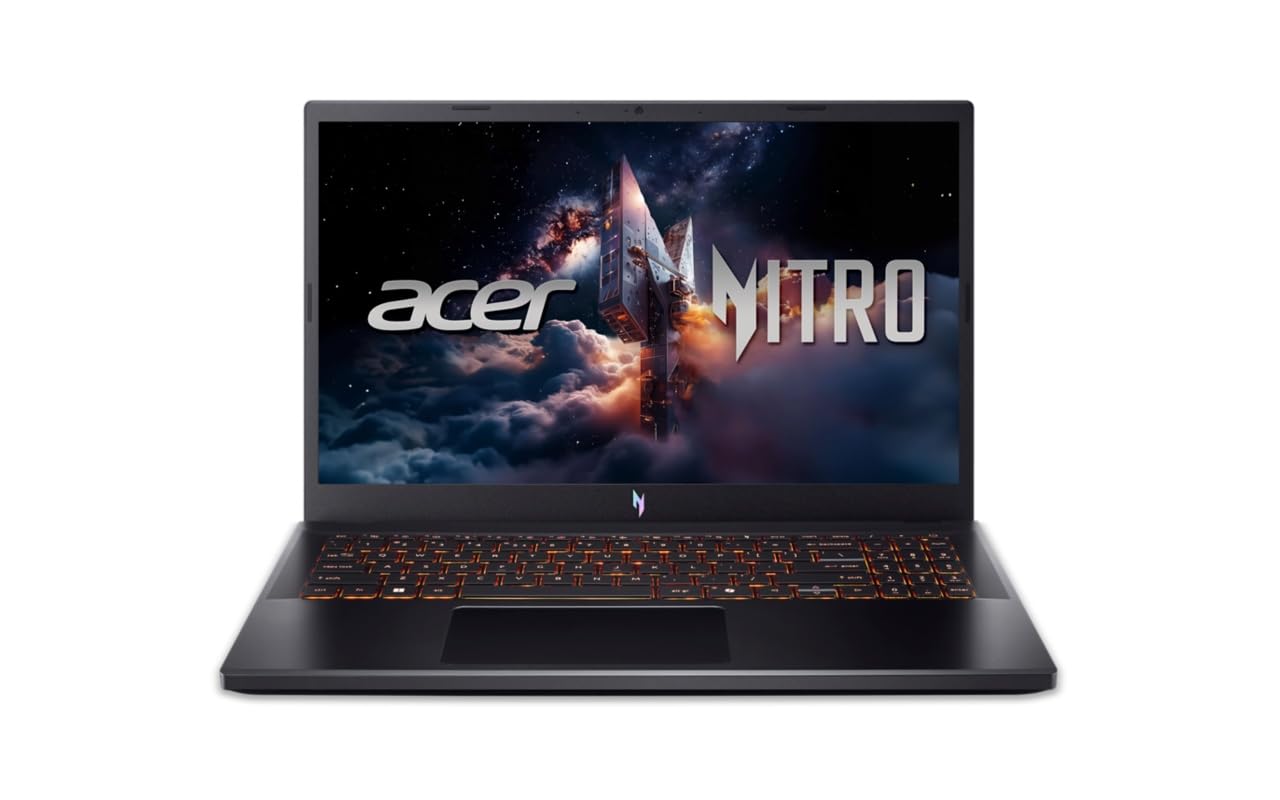
Acer Nitro V 16 packs AMD Ryzen 7 7735HS and RTX 4050 into a 16-inch WQXGA 165Hz display for stunning clarity and speed. Dual-fan cooling with liquid metal sustains high frame rates in intensive sessions.
16GB DDR5 RAM and 512GB SSD enable seamless 1080p gaming and 4K video editing. Thunderbolt 4 and HDMI 2.1 expand connectivity. At ₹89,999, it rivals pricier models in value.
Pros:
- 4-zone RGB keyboard.
- NitroSense app for real-time tweaks.
- Expandable storage up to 2TB.
Suited for immersive, high-res gaming.
Comparison Table
Buying Guide
Prioritize RTX 4050+ GPUs for 2026 games, ensuring at least 16GB RAM for multitasking. Check refresh rates above 144Hz to reduce tearing, and verify cooling tech like vapor chambers. Test battery life (4-6 hours non-gaming) and ports for peripherals.
Consider:
- Warranty: 1-2 years standard, extendable.
- Upgrades: Soldered vs. slot-based RAM.
- Sales: Republic Day deals on Amazon/Flipkart save 10-15%.
For Delhi buyers, Croma or Reliance Digital offer hands-on demos.
Maintenance Tips
Regular dust cleaning every 3 months prevents thermal issues using compressed air. Update NVIDIA drivers monthly via GeForce Experience for optimizations. Use cooling pads during marathons to drop temps by 10°C.
Monitor health with HWMonitor, and undervolt CPUs via ThrottleStop for efficiency. Avoid overcharging by unplugging at 80% for battery longevity.
Future-Proofing Advice
These laptops support DLSS 3.5, extending playability into 2028. Pair with external monitors for 1440p via HDMI 2.1. Invest in 1TB SSD upgrades (₹5,000) for vast libraries.
By 2027, expect RTX 50-series refreshes, but current picks handle them via driver updates.
Leave a Reply