
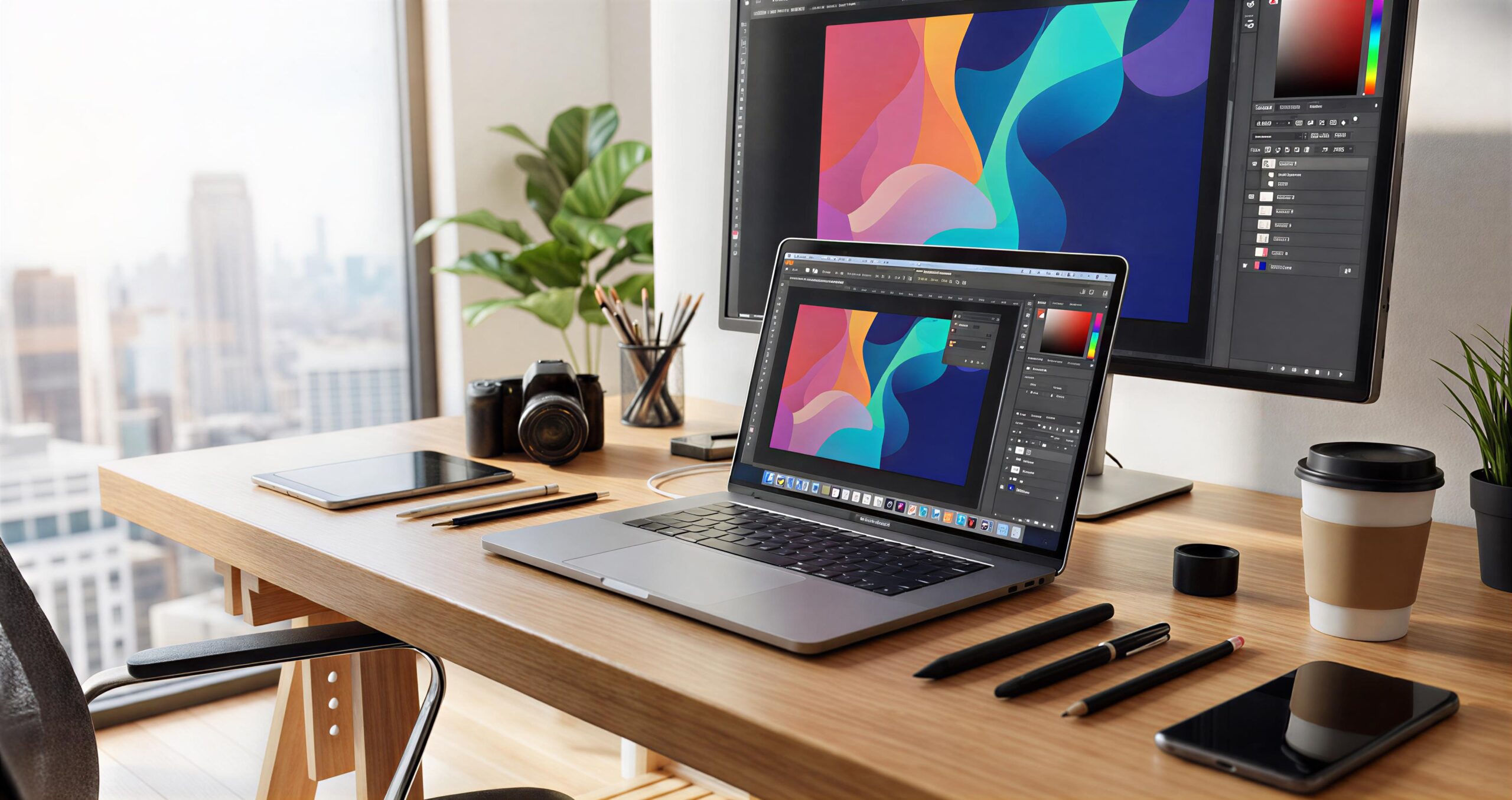
The MacBook Pro with M5 chip delivers substantial performance gains in AI, graphics, and multitasking, but at around $2,000 for mid-tier configurations, its value depends on specific professional needs. Released in October 2025, the base 14-inch model starts at $1,599 with 16GB memory and 512GB storage, while upgrades like 32GB RAM, 1TB SSD, and nano-texture display push it to $2,000 or more. Incremental improvements over the M4 make it a powerhouse for creators, yet everyday users may find alternatives more cost-effective.
Key Specifications
The M5 chip features a 10-core CPU with up to 20% faster multithreaded performance than M4, a 10-core GPU with 45% graphics uplift including third-gen ray tracing, and a 16-core Neural Engine for 3.5x AI acceleration. Unified memory bandwidth hits 153GB/s, a 30% jump, enabling seamless handling of large AI models and 4K video edits. Battery lasts up to 24 hours for video playback or 18+ hours in real-world mixed use, matching or slightly edging the M4.
Storage options range from 512GB to 4TB, with SSD speeds doubling M4 in benchmarks for quicker file access. The 14.2-inch Liquid Retina XDR display peaks at 1,600 nits for HDR, supported by six speakers and three Thunderbolt 4 ports plus HDMI and SDXC. No Wi-Fi 7 or Thunderbolt 5 on base models, but the design remains premium aluminum with MagSafe charging.
Performance Breakdown
Benchmarks show the M5 excelling in pro workflows: Geekbench 6 single-core at 4,288 (10% over M4), multi-core at 17,926 (18% gain), and GPU scores up 30-50% in Metal and 3DMark tests. Video transcoding in Topaz speeds up 1.8x, Blender renders 1.7x faster, and gaming hits 60+ FPS in titles like Shadow of the Tomb Raider, beating some discrete GPUs. AI tasks like Geekbench GPU quantized double M4 scores, ideal for machine learning or Apple Intelligence features.
For coders, Xcode compiles 1.2x quicker; photographers and videographers report snappier exports and edits without fan noise. Everyday tasks like browsing 20+ tabs or Slack feel instantaneous, but gains feel subtle unless pushing GPU/AI limits. Compared to Windows rivals, it outperforms Dell XPS in efficiency while matching RTX 4050 frames in some games.
Is $2,000 Justified?
A $2,000 build—say, 32GB RAM, 1TB SSD, nano-texture—suits video editors, 3D artists, or developers running AI models, where speed savings compound over years. Black Friday deals drop base models to $1,399, undercutting M4 prices, boosting value for new buyers. Longevity shines: M1 Pros from 2021 still handle modern tasks, suggesting M5 will last 5+ years. Ecosystem perks like instant iPhone continuity add unquantifiable appeal for Apple users.
However, if upgrading from M3/M4, real-world differences are minor for browsing, Office, or light photo edits—skip unless needing AI/graphics boosts. Base 16GB RAM limits future-proofing amid growing app demands, and no design refresh until M6 OLED in 2026 disappoints. At $2,000, it outperforms most ultrabooks but lacks touchscreens or expandability found in Windows options.
Strong Alternatives Under $2,000
Windows laptops match or beat the M5 in flexibility for less. The Asus Zenbook 14 OLED offers similar battery and 3K display for $1,000-1,300, with touch support. Dell XPS 13 (Snapdragon) rivals portability and efficiency, ideal for business. Creative pros eye Asus ProArt P16 with discrete GPU for $1,800, edging M5 in raw rendering.
Lenovo Yoga 9i provides 2-in-1 versatility and OLED at sub-$1,500, while Razer Blade 14 games harder for $1,900. These run x86 apps natively, avoiding ARM compatibility hiccups, though macOS stability edges ahead for pros.
Final Verdict for Buyers
Professionals in video, 3D, or AI thrive on the M5’s efficiency at $2,000, especially with deals and trade-ins yielding credit. Students or casual users save by sticking with M4 discounts or Windows rivals offering more ports and screens. Future M5 Pro/Max models or 2026 redesign may tempt waiters, but current M5 sets the efficiency benchmark. Weigh workloads: if macOS and battery rule your day, yes—otherwise, explore options.
For Product Review please click here 👉: Macbook pro M5

Leave a Reply